Choose a template
Find the dance, performance, or playful scene you want to make. Preview its example before you start.
 RapframeChoose a template
 AI VIDEO TEMPLATES
Choose a video template, upload your photos, and create your own dance, performance, or playful AI video.
People, pets, and a scene that is yours.
Choose a templateDescribe your video idea
Generate videoBuy credits to generate videos · One-time payment. No recurring charges.
SEE THE POSSIBILITIES
Dancing dogs, photo dances, and rap performances. Pick the result you want to make.
Turn a photo of your dog into a playful dance video.
Explore templatePut yourself in a dance with one photo.
Explore templateMake a Hotel Lobby duet with your own cast.
Explore templatePHOTO TO VIDEO
Find the dance, performance, or playful scene you want to make. Preview its example before you start.
Upload the people or pets you want in the video. Follow the photo labels in your chosen template.
Check the credit cost, generate your clip, and download the MP4 to share.
MAKE IT YOURS
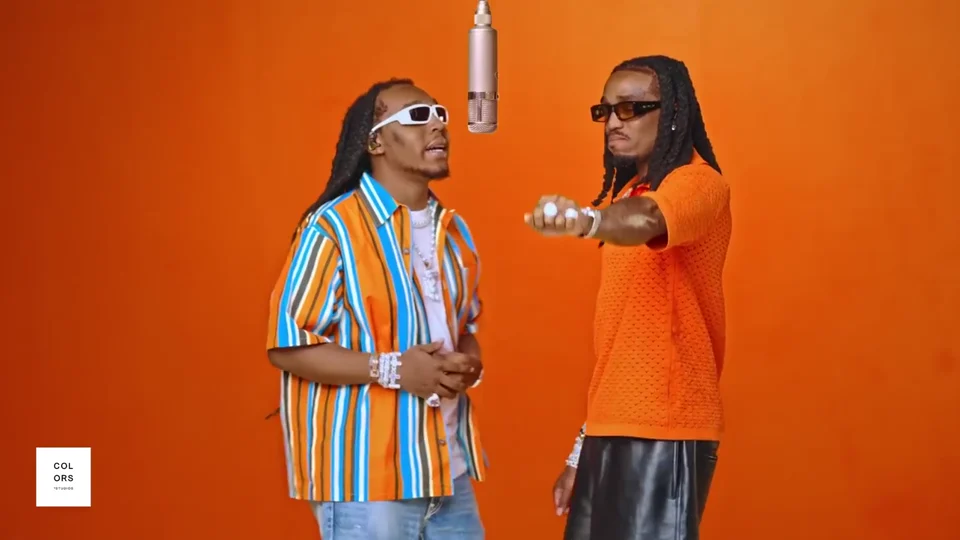
LOOKING FOR A STARTING POINT?
Explore video templates for people and pets, with examples and guides to help you create your own.
Explore Video TrendsRapframe is an AI video template tool that turns photos of people and pets into personalized short videos, including dancing dogs, photo dance videos, and rap performances.
Choose a template, preview its example, and upload the photos it asks for. Check the credit cost, generate your video, then preview and download the MP4.
Yes. Choose a pet template, such as AI Dog Dancing or a Hotel Lobby pet duet. Upload a clear photo and follow the photo guidance for that template.
No. The template provides the scene and movement. Add your photos, choose the available settings, and generate. Results can vary.
Choose from the lengths available for each template. The general video workspace supports clips of 5, 10 or 15 seconds.
Buy a one-time credit pack. Video generation costs 20 credits per second: 100 credits for 5 seconds or 200 credits for 10 seconds. Failed generations return reserved credits. No subscription or automatic renewal.
Download the generated MP4, review it, and upload it to your chosen platform. You can create and download clips in your phone browser.
MAKE IT YOURS
Buy credits to generate videos · One-time payment. No recurring charges.