The reference is included
The freestyle is ready. Your photo replaces the performer in the pale-pink shirt behind the speaker holder.
YOUR PHOTO. THE VIRAL FREESTYLE.
Make the freestyle with your photo and the original sound.
Explore the templates in Rapframe’s video studio.
Open video studioYour uploads stay private.
Paid credits required. Check the cost before generating.
REAL INPUT. REAL OUTPUT.
See two five-second generations from the same fictional AI portrait and included freestyle reference. Faces, background details and mouth movements can vary in your result.
THE SHORT ANSWER
Step into the street freestyle with your own face and style. Upload one photo to create your version of the performance, complete with the original sound. No filming or editing needed.
FROM PHOTO TO FREESTYLE
Choose one clear, front-facing photo with your face and upper body visible. You will take the place of the performer behind the speaker holder.
Choose a 5, 10 or 15-second clip and your preferred quality. The freestyle is ready to use. Add a short instruction only if you want a change.
Check the credit cost, generate your video and watch it with sound. Download your favorite take or ask for a change in the same conversation.
The freestyle is ready. Your photo replaces the performer in the pale-pink shirt behind the speaker holder.
You get a new AI video of the performance with your appearance. You do not need to cut clips or learn an editing app.
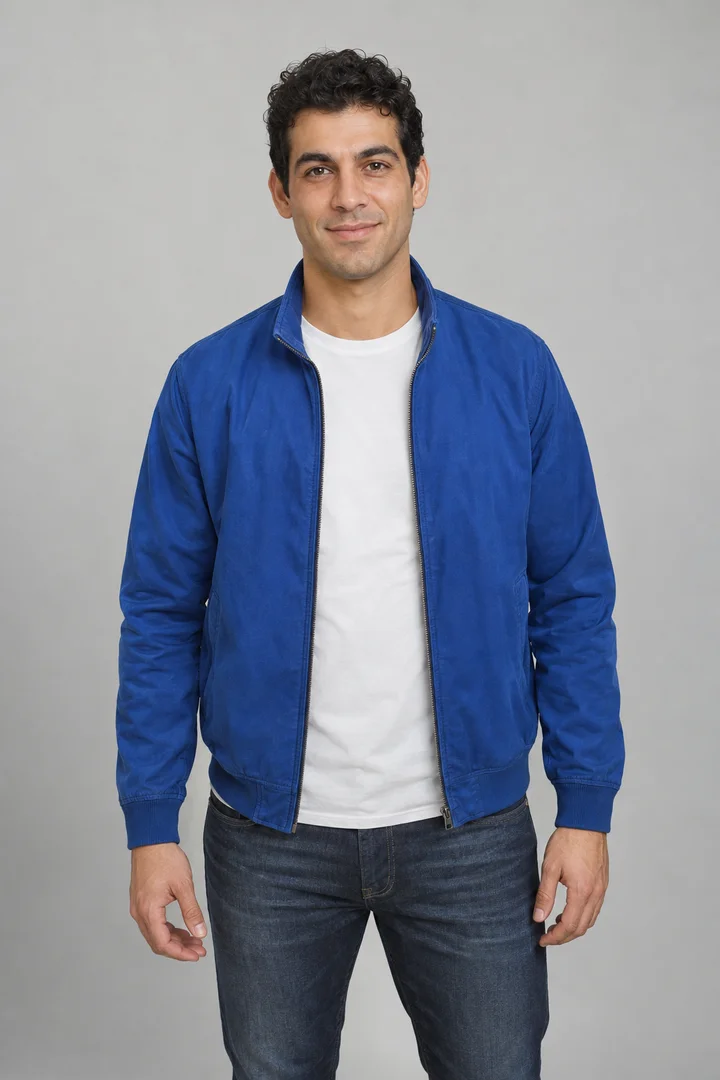
Start with your photo. If you want a small change, try ‘Keep my blue jacket.’
Your video includes the original freestyle recording. It does not create a new verse or change the voice to yours. Listen before sharing: mouth movements may not match every word.
Use a sharp, well-lit photo with your face and shoulders visible. Avoid sunglasses, heavy filters and group photos.
AI can change small details. Keep your first version close to the original scene, and watch the full clip before sharing.
The original sound is included, but mouth movements can be imperfect. Watch with sound and ask for a new version if needed; it will use credits.
Need more help choosing a photo or making your first video?
Read the Bulin 47 AI video guideThe trend comes from Bulin 47’s street freestyle with Kevin Wai, recognizable by the portable speaker, red-lit entrance and shoulder bounce. Read about the original freestyle. Understand the original, AI remakes and the song.
It puts your photo into Bulin 47’s street freestyle with Kevin Wai. You take the lead in a new AI video inspired by the performance, with the original sound.
Buy a one-time credit pack. Video generation costs 20 credits per second: 100 credits for 5 seconds or 200 credits for 10 seconds. Failed generations return reserved credits. No subscription or automatic renewal.
The performer in the pale-pink shirt and sunglasses, behind the person holding the speaker. Your photo guides his face, hair and outfit. Other people and small details can also change.
Buy a one-time credit pack. Video generation costs 20 credits per second: 100 credits for 5 seconds or 200 credits for 10 seconds. Failed generations return reserved credits. No subscription or automatic renewal.
Choose 5, 10 or 15 seconds and the quality available in settings. Videos are vertical by default and ready to download.
Yes. Your video includes the original freestyle sound, not your own voice. Mouth movements may not match every word.
No. Create, preview and download your video in Rapframe. You only need a photo.
Yes. Use a photo showing your preferred outfit or add a request such as ‘Keep my blue jacket.’ Ask for further changes in the same conversation. Each new version uses credits.
No. Rapframe is independent and is not affiliated with Bulin 47 or Kevin Wai. Use your own photo or one you have permission to use.
Your turn to take the lead. Start with one clear photo.
Create your Bulin 47 AI video