Opening dancer
Photo 1 replaces the dancer at the beginning of the clip.
THREE PHOTOS. ONE GAS STATION DANCE.
Cast the opening dancer, selfie operator and car-side performer with your photos. The dance reference is already included.
Explore the templates in Rapframe’s video studio.
Open video studioYour uploads stay private.
Paid credits required. Check the cost before generating.
The three photos guide each role’s appearance. This sample changes some movement and timing from the reference; new results vary.
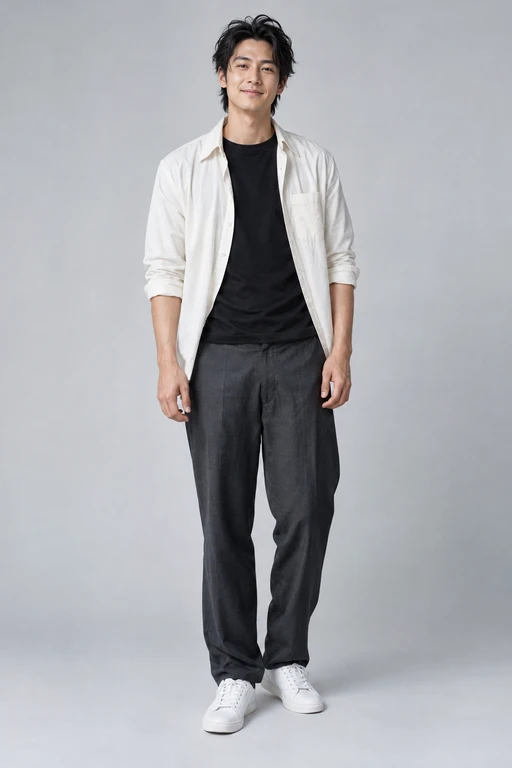
Opening dancer
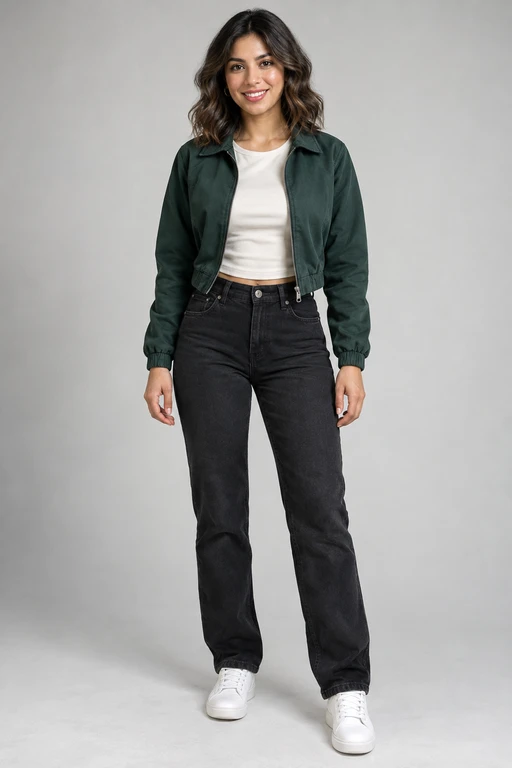
Selfie operator
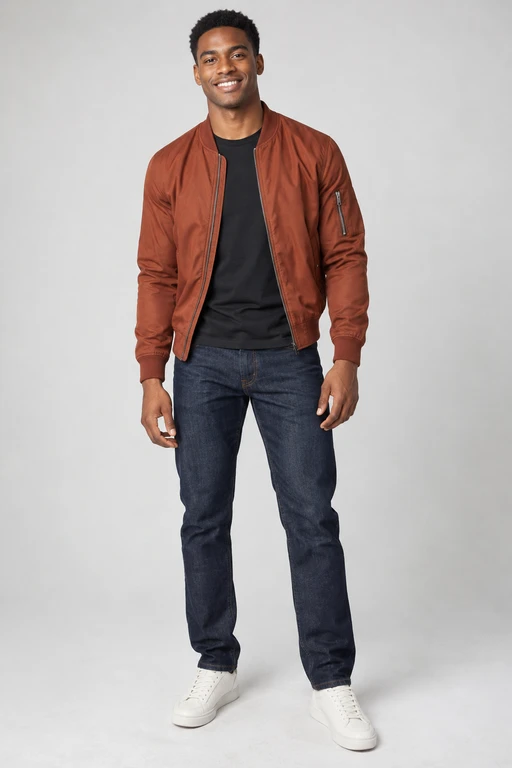
Car-side performer
14.7 seconds · Movement and timing vary
Gas Station Dance AI recreates the gas station dance with three characters of your choice. Your photos guide each character’s face, hair and visible outfit; a built-in reference guides the dance, scene and camera.
The preview above is a Rapframe-generated example. Your result may differ in appearance, movement and background details.
Photo 1 replaces the dancer at the beginning of the clip.
Photo 2 replaces the character filming the selfie section.
Photo 3 replaces the performer beside the car. Roles follow the action, even as the camera moves.
Watch the AI-generated example to see the three roles and their order.
Add one clear person photo to each named role. Use different photos for different characters, or the same person for all three.
Create your clip with paid credits, then watch and download your MP4. Ask for a change in the same chat to make another version.
Use a well-lit photo with one clear face and visible clothing for each role. An upper-body or full-body image gives the video more appearance detail. Avoid sunglasses, heavy filters and people blocking each other.
Choose 10 or 15 seconds and your format in settings. The matching opening segment of the reference is used without extending or looping the routine.
Watch the full result, then download it. The default is a vertical video for short social posts.
Ask for a focused appearance or motion change in the same chat. Each new generation uses paid credits.
Check faces, clothing, hands and the three role assignments before sharing. A clear photo and a short, focused instruction can help. Results vary, and the reference does not guarantee exact movement or timing.
It is a gas station dance sequence with an opening dancer, a selfie section and a performer beside a car. This tool lets you recast those three roles using your photos.
Three photos, one for each named role. Photo 1 is the opening dancer, photo 2 is the selfie operator and photo 3 is the car-side performer.
Yes. Upload the same person’s photo into each of the three slots. Each slot still maps to its own role in the dance.
No. The movement reference is included. Add instructions only if you want a particular appearance or a small visual change.
Choose 10 or 15 seconds. Both include the three roles; the car-side performer appears briefly in 10 seconds. Choose 15 seconds to give every role more time.
The included reference sound is added to the exported clip. Listen to your result before sharing; movement and timing can vary.
Buy a one-time credit pack. Video generation costs 20 credits per second: 100 credits for 5 seconds or 200 credits for 10 seconds. Failed generations return reserved credits. No subscription or automatic renewal.
Ask for a specific change in the same chat. Keep the request focused on the role you want to adjust. AI details and motion may still vary.
Cast the opening dancer, selfie operator and car-side performer with your photos. The dance reference is already included.
Make your gas station dance