 A clear cover
Begin with an opening pose you can use as a cover.
 Rapframe AI Rap Video Maker
A SHORT CLIP FOR YOUR NEXT RELEASE
Make a short music clip for Instagram Reels from a text idea or your song and a photo.
5–10 seconds · 15 on Pro & Max · MP4
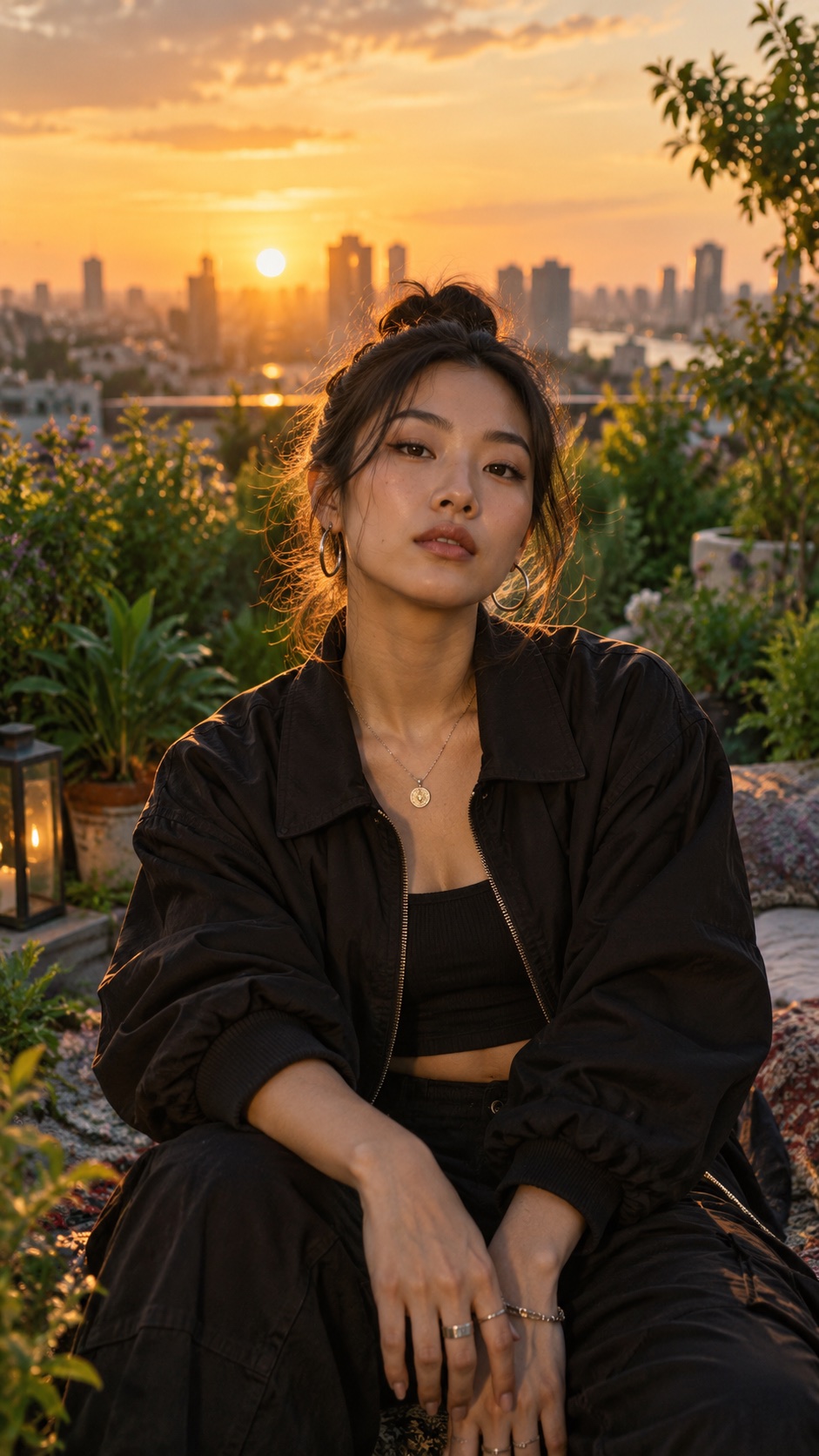
Use a clear subject and the colors of your release. Keep the movement simple.
A clear coverBegin with an opening pose you can use as a cover.
 Your colors
Match the lighting and styling to your cover art.
 Gentle movement
Try one camera move that keeps the artist in view.
 Add your idea
Describe a scene, or add your song and a photo.
 Choose 9:16
Select vertical and your clip length.
 Review the clip
Check the opening, framing, and motion.
 Share to Reels
Download the MP4, upload it, and choose a cover.
Add your song and a portrait. Try this with 9:16 and 10 seconds.
Example prompt10-second vertical music clip on a rooftop garden at golden hour. Start on a still, centered portrait, then drift slowly sideways as the artist performs. Warm amber light, deep green plants, calm confidence.
Choose vertical 9:16 in Video settings for a tall Instagram Reels clip.
Choose 5 or 10 seconds on the Free and Basic plans. Pro and Max also support 15 seconds. Each generation creates one short clip.
Yes. Add your song with a reference photo, then describe the scene you want. You can also start from a text idea. Use music and images you own or have permission to use.
Rapframe generates the video clip. Choose a frame from your clip or add your own cover when you upload it to Instagram.

