 Single teaser
Give a hook a scene for your release announcement.
 Rapframe AI Rap Video Maker
YOUR SOUND. YOUR VISUAL DIRECTION.
Make a short AI clip for your next single, freestyle, or music video. Start with an idea or your song and a photo.
5–10 seconds · 15 on Pro & Max · MP4
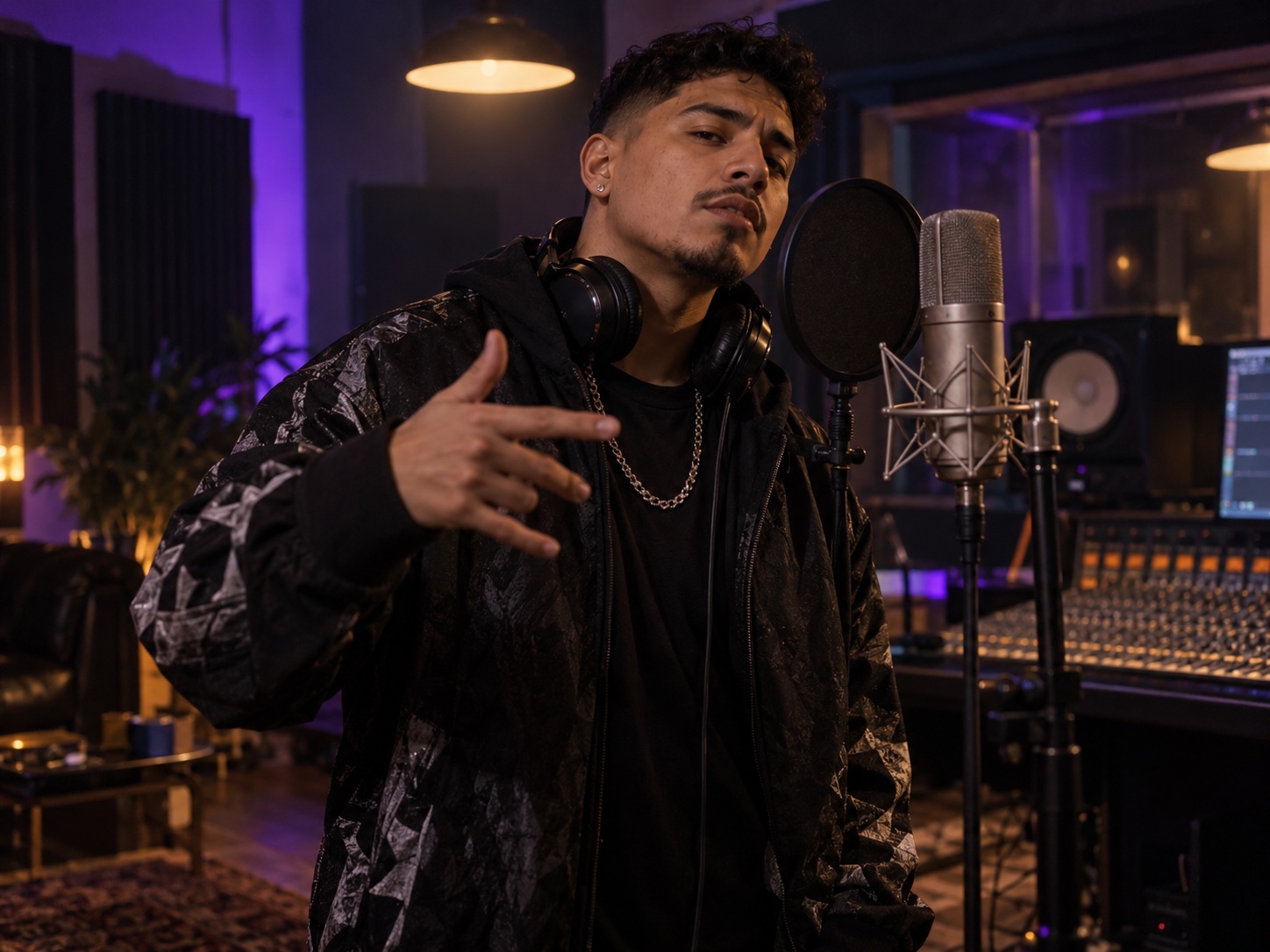
Try a look for one short clip, then build on it for your release.
Single teaserGive a hook a scene for your release announcement.
 Freestyle clip
Keep the focus on the artist and performance.
 Music video scene
Create short scenes to use in a longer edit.
 Bring your idea
Add a text brief, or your song and a photo.
 Choose the look
Describe the setting, lighting, and camera.
 Pick your settings
Choose a format and clip length.
 Create and share
Generate, review, and download your MP4.
Add your song and a portrait. Choose 9:16 for social or 16:9 for a widescreen scene.
Example prompt10-second rap performance in a late-night recording studio. Start close under one overhead light, then move slowly around the artist. Black and silver styling, electric violet light, a focused performance.
Yes. Add your song with a reference photo, then describe the scene you want. You can also start from a text idea. Use music and images you own or have permission to use.
No. Start with a few sentences about the setting, artist, lighting, and camera movement. You can describe the scene in everyday language.
Rapframe generates short clips of 5 or 10 seconds, with 15 seconds also available on Pro and Max. Generate separate scenes and combine them in a video editor when you need a longer MV.
After signing in, your first video of up to 10 seconds is free. Later generations use credits. See the pricing page for plan details.

