 The opening
Start with the lyric or hook you want people to remember.
 Rapframe AI Rap Video Maker
SHORT CLIPS FOR YOUR NEXT HOOK
Turn a text idea or your song and a photo into a short 9:16 music clip for TikTok.
5–10 seconds · 15 on Pro & Max · MP4
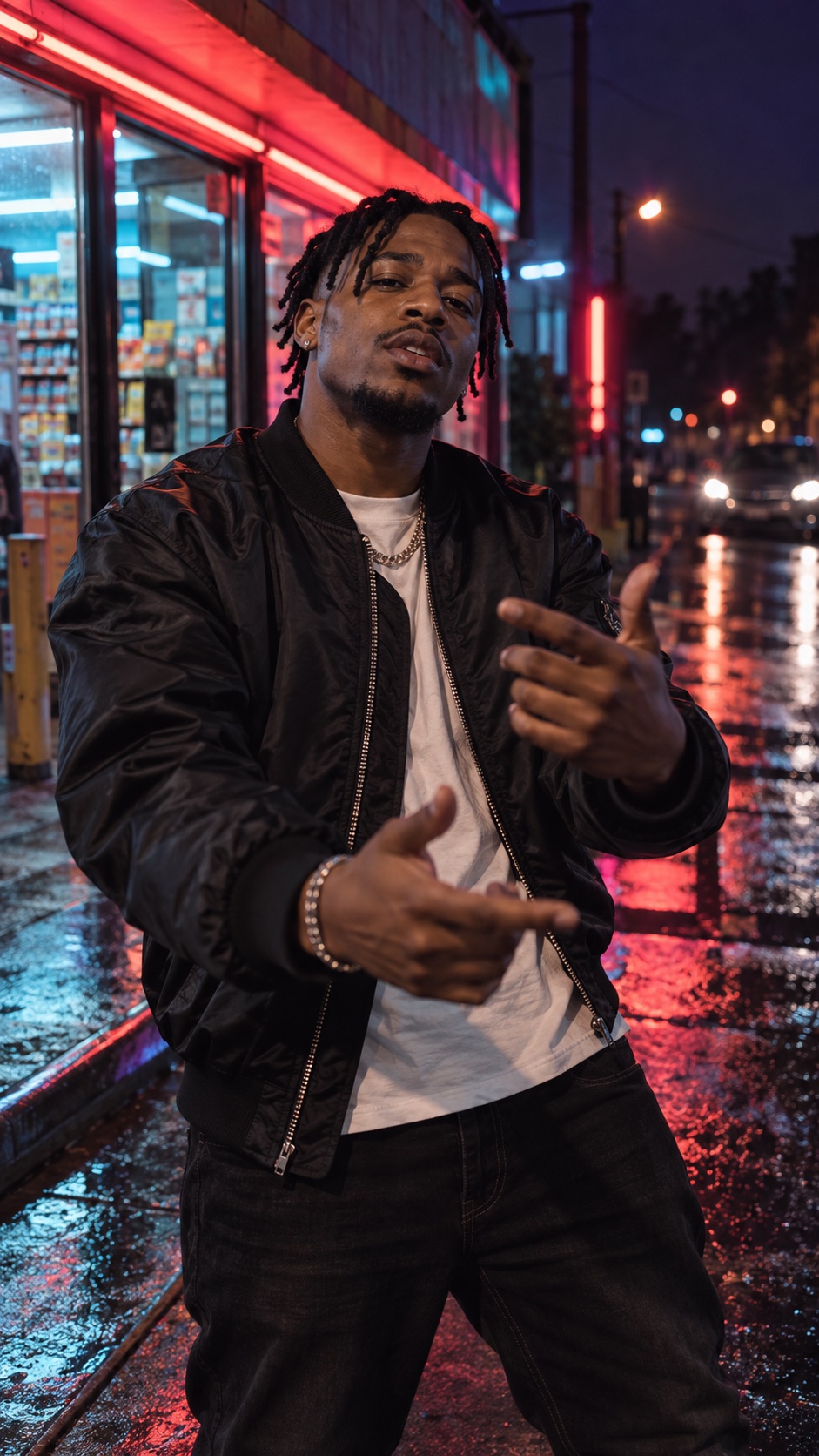
Start close, keep the artist in frame, and give the camera one simple move.
The openingStart with the lyric or hook you want people to remember.
 The artist
Keep the face and hands clear in the vertical frame.
 The movement
Try a close-up that slowly opens into the scene.
 Add your idea
Describe a scene, or add your song and a photo.
 Choose 9:16
Select vertical and a clip length in Video settings.
 Generate
Sign in, create your clip, and review it.
 Post to TikTok
Download the MP4 and upload it yourself.
Add your song and a portrait. Try this with 9:16 and 10 seconds.
Example prompt10-second vertical rap performance outside a neon corner store at night. Start close to the artist, then slowly pull back. Red and cyan light, confident delivery. Keep the face and hands centered.
Choose vertical 9:16 in Video settings. It gives your clip a tall frame for a TikTok post.
Choose 5 or 10 seconds on the Free and Basic plans. Pro and Max also support 15 seconds. Each generation creates one short clip.
Yes. Add your song with a reference photo, then describe the scene you want. You can also start from a text idea. Use music and images you own or have permission to use.
You download the finished MP4 and upload it to TikTok yourself. Add your caption and review the post in TikTok before publishing.

