Your photo. The Bad Times performance.
Bad Times AI Video Generator
Upload one photo. Create a 15-second kitchen performance with the original sound.
Your photo. Your video.
Explore the templates in Rapframe’s video studio.
Open video studioYour uploads stay private.
Paid credits required. Check the cost before generating.
From one photo to Bad Times
This real H3 test uses a fictional adult woman. Gestures, timing and lip-sync can vary.
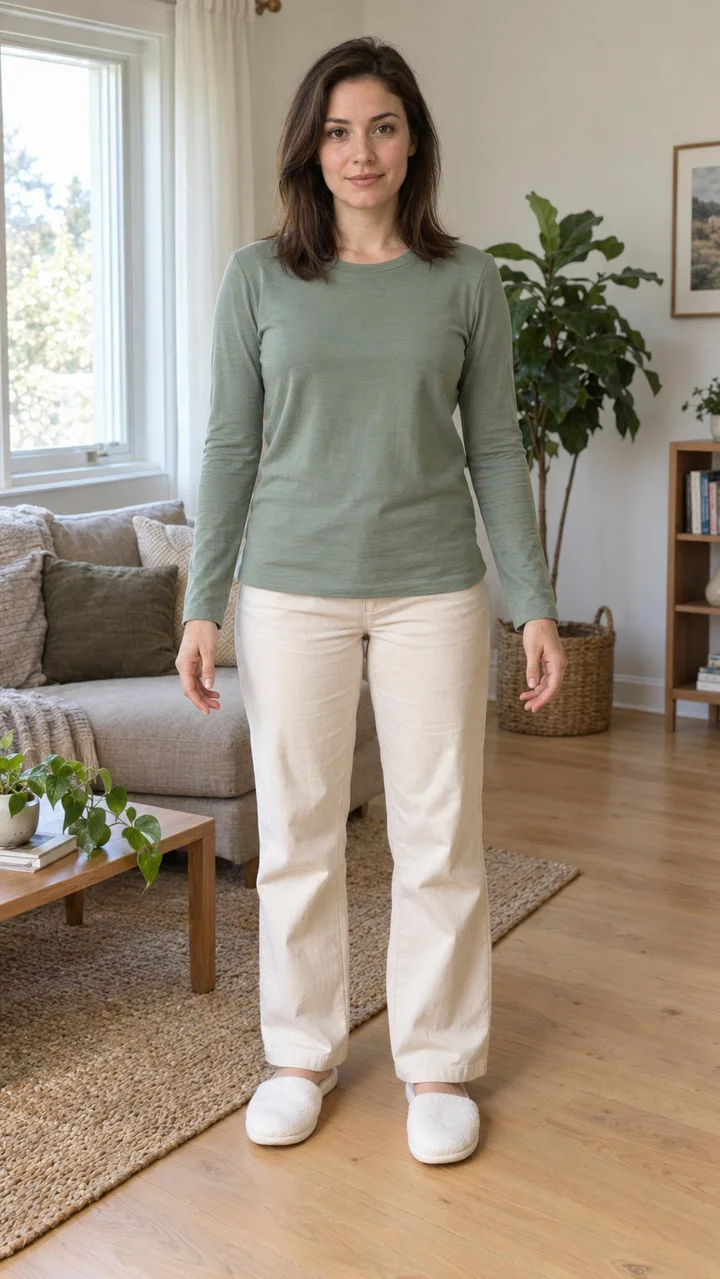
Create your Bad Times video
- 01
Upload one clear photo
Choose one person with their face, hair and preferred outfit clearly visible.
- 02
Add optional instructions
The 15-second reference is included. Add a request such as “Keep my glasses” if needed.
- 03
Generate, review and download
Check the credit cost, watch the full result with sound, then download your video.
Questions about Bad Times AI
What does Bad Times AI do?
It creates a new video of your photo’s person performing the Bad Times kitchen routine. The included reference guides the gestures and camera.
Do I need to upload a video or write a prompt?
No. Upload one photo. The 15-second reference and prompt are included; your optional instructions are added to the preset.
Does the download include the original sound?
Yes, when sound is enabled. The original first-15-second audio is attached to the generated video. It does not clone your voice.
Will every movement match the original?
Movement timing, facial details and lip-sync can differ. Watch the full example and review your result before sharing.