 Rapframe
Anone Daisuki Dance AI Video Generator
Do the Anone Daisuki dance from one full-body photo. Your dancer follows the low sway, wide arm moves and overhead gesture in one vertical clip.
Create my video
Upload your photos to use this template.
Pick an effect
All 235 effects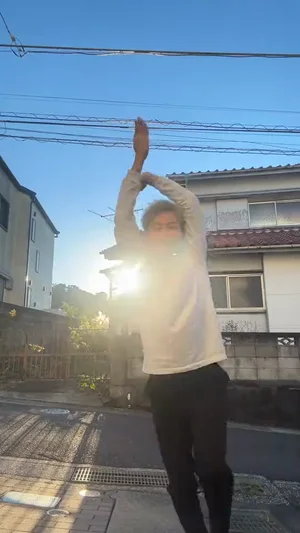











Enable JavaScript in your browser to upload material and generate a video.
Paid credits required. Check the cost before generating.
Preview unavailable. Try again.
What happens in the reference clip?
In Takutin’s choreography to Yuu Ichijo’s “Anone, Daisuki,” the dancer raises a hand beside their face, sinks into a wide squat and sways. They rise to open their arms, gesture overhead and finish with a diagonal reach.
Does the video include sound?
The reference preview includes the song. Your download is silent, so you can add the track in your editor or social app.
Which photos should I add?
Choose a standing photo with your face, hands and both shoes visible. Leave space around your legs and above your head so the wide stance and raised arms fit.
Create my video
Add your photos
Do the Anone Daisuki dance from one full-body photo. Your dancer follows the low sway, wide arm moves and overhead gesture in one vertical clip.
Personalize the scene
Yes. Add a short instruction about clothing, lighting or the setting. Keep the assigned photo roles for the selected scene.
Generate and download
Review the dance, download your clip and add the track when you edit or post it.
Questions about this video
What photo works best for the Anone Daisuki dance?
Use one front-facing, full-body photo of one person. The low squat moves through the legs and feet, so keep both shoes in frame.
Do I need to upload a reference video?
No. The scene and movement are already included. Upload the required photos and add optional instructions.
Does the video include sound?
The reference preview includes the song. Your download is silent, so you can add the track in your editor or social app.
How long is the video?
≈ 14 s · 9:16
Can I change the outfit or background?
Yes. Add a short instruction about clothing, lighting or the setting. Keep the assigned photo roles for the selected scene.